
Hyperjump
Name your macOS Spaces. Jump to them instantly.
Hyperjump lets you label Spaces and jump to them from the menu bar or keyboard—so you always know where you are and can switch faster.

Why Hyperjump?
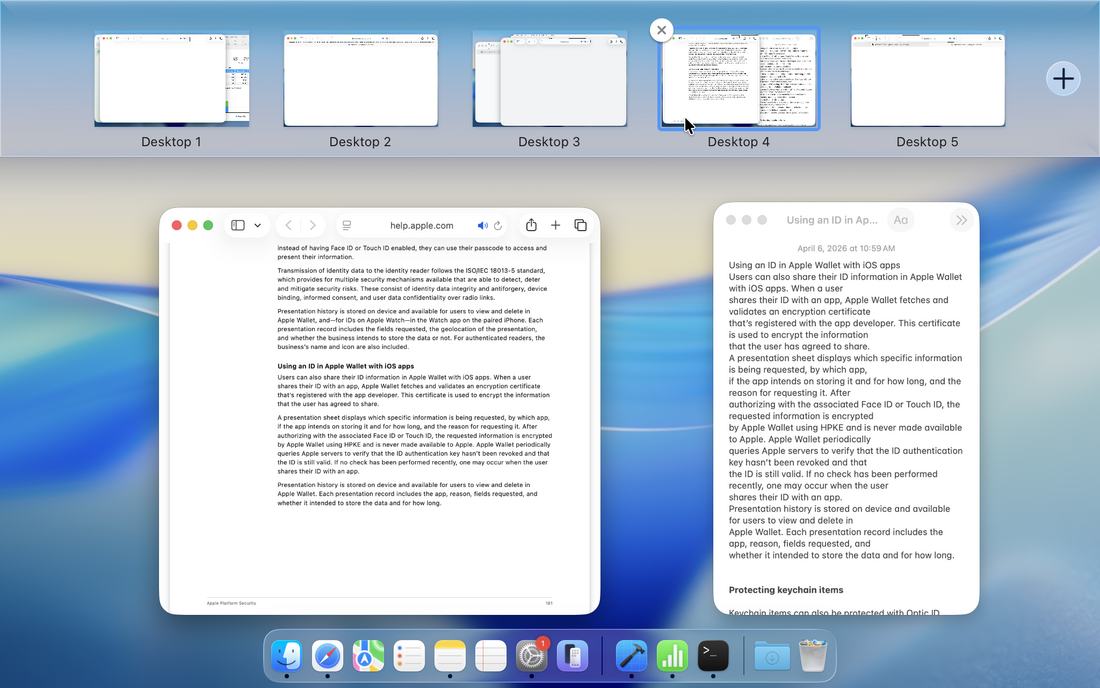
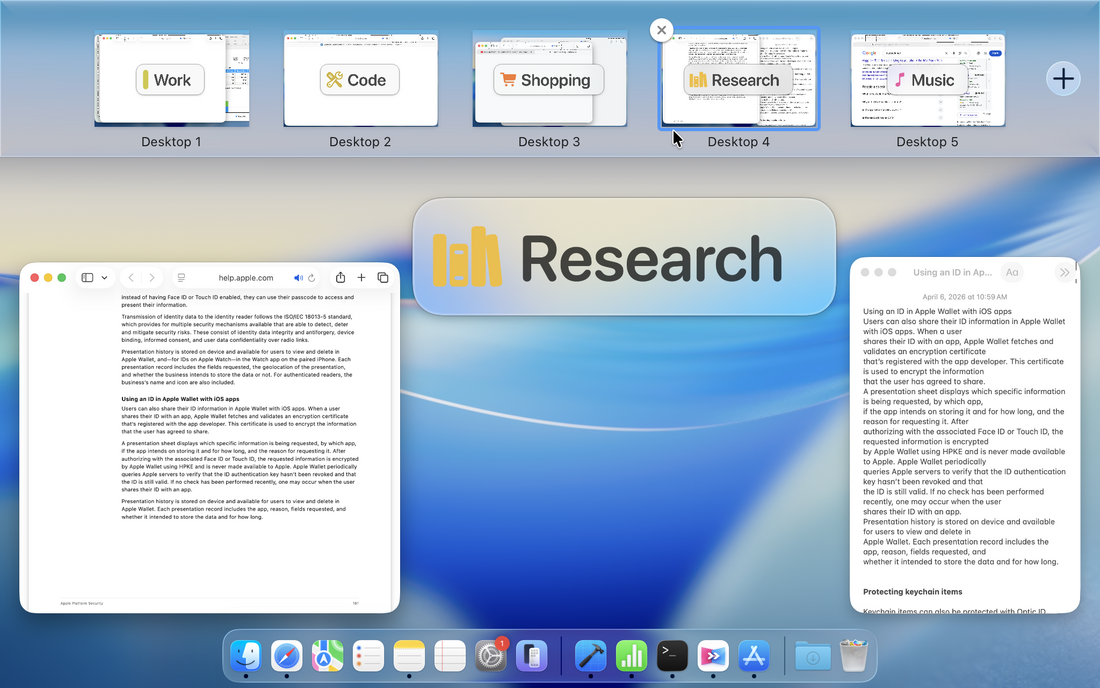
Spaces are useful — until they all start looking the same. Default labels like “Desktop 1” and “Desktop 2” don’t tell you much, and similar-looking thumbnails make it harder to know where to go. Hyperjump adds names you can actually recognize, so your Spaces become easier to identify and jump to.
Without Hyperjump: Harder to tell Spaces apart
With Hyperjump: Easier to recognize Spaces instantly
|
Name your Spaces your way
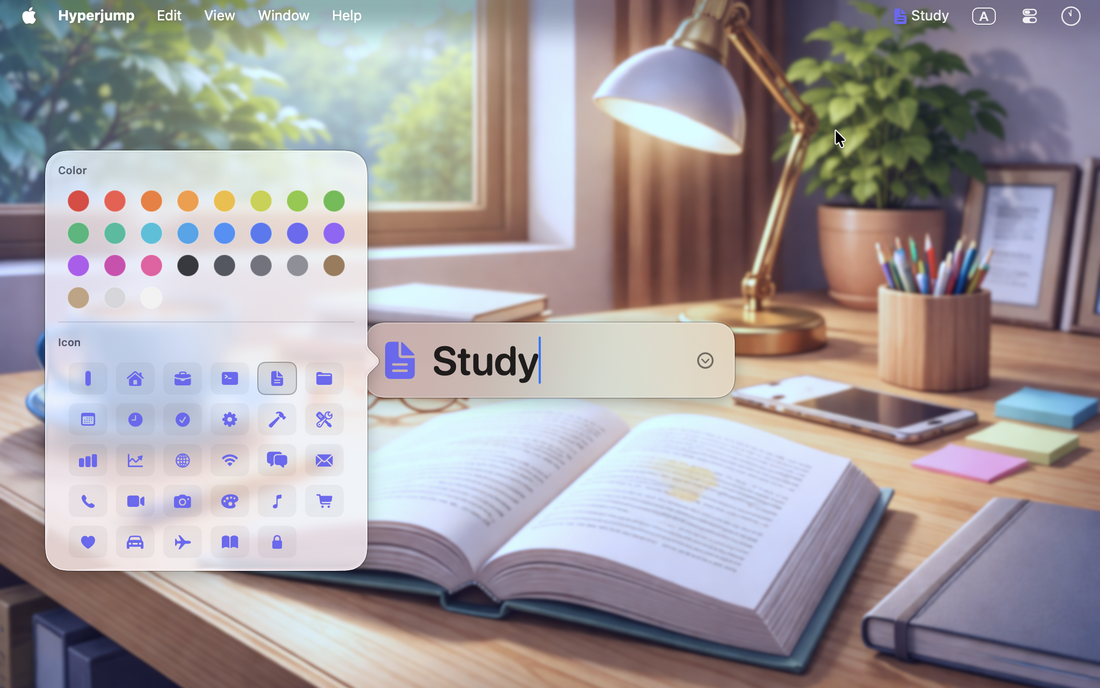
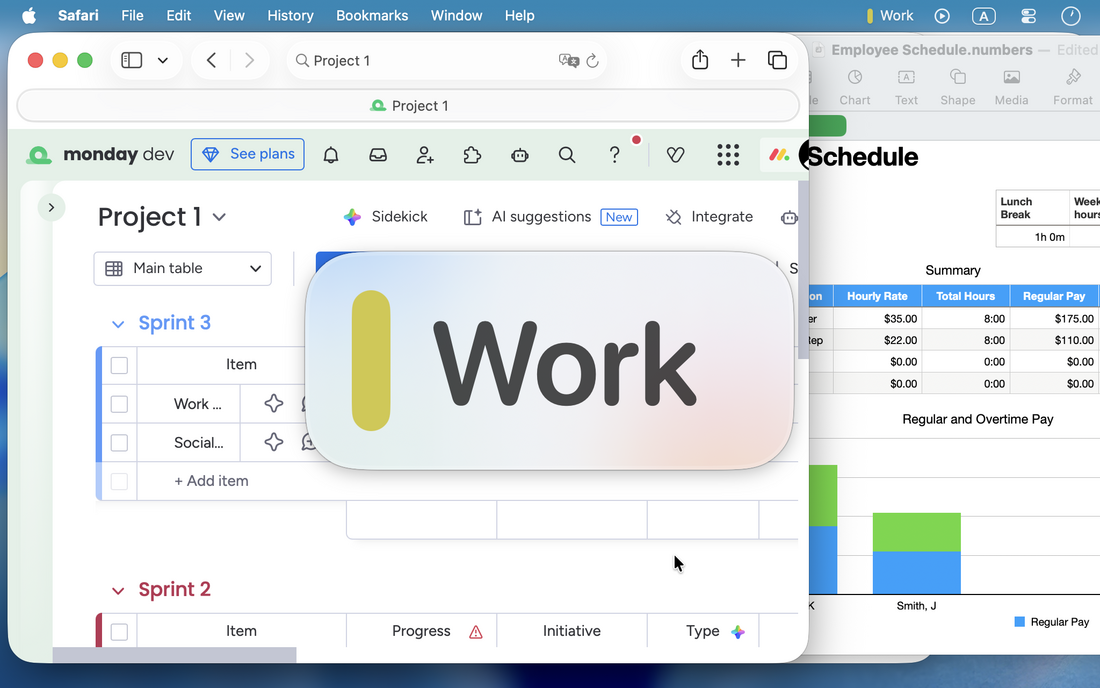
Give each Space a name that matches how you think — like Work, Study, or Project A — with optional color and icon for even faster visual recognition.
|
|
|
Always know where you are
Once a Space has a name, Hyperjump helps you keep it in view. See the current Space name when you switch, and keep it visible in the menu bar so you can stay oriented throughout the day.
|
|
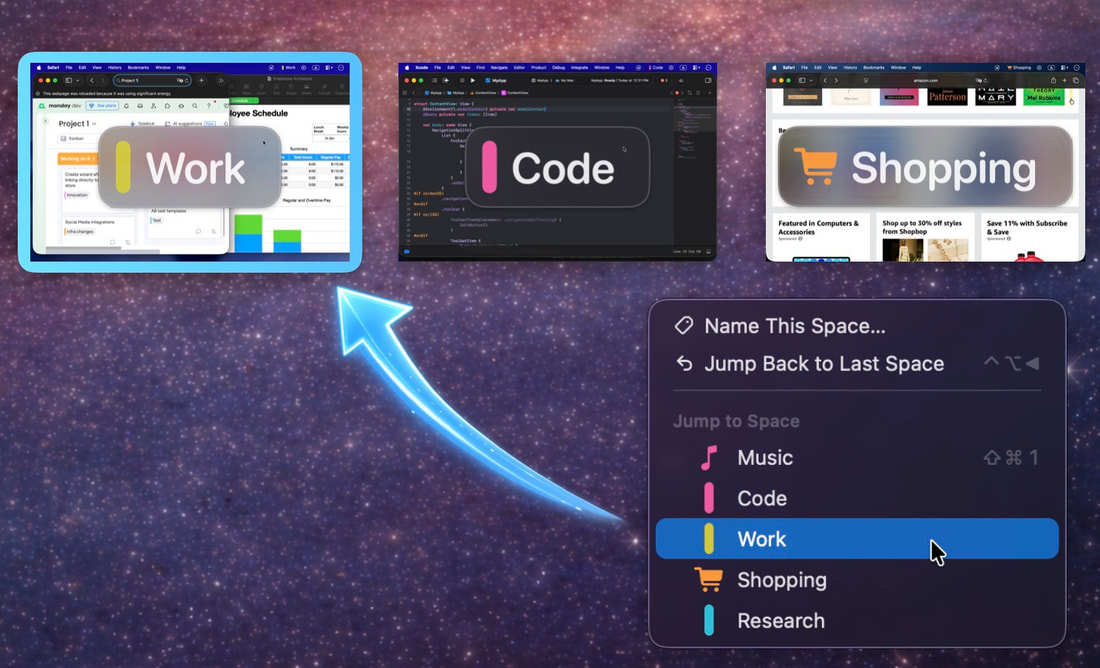
Jump to any Space instantly
When your Spaces have meaningful names, getting around becomes much simpler. Jump straight to any named Space from the menu bar or with a keyboard shortcut — no need to swipe step by step or remember where everything is.
|
|
|
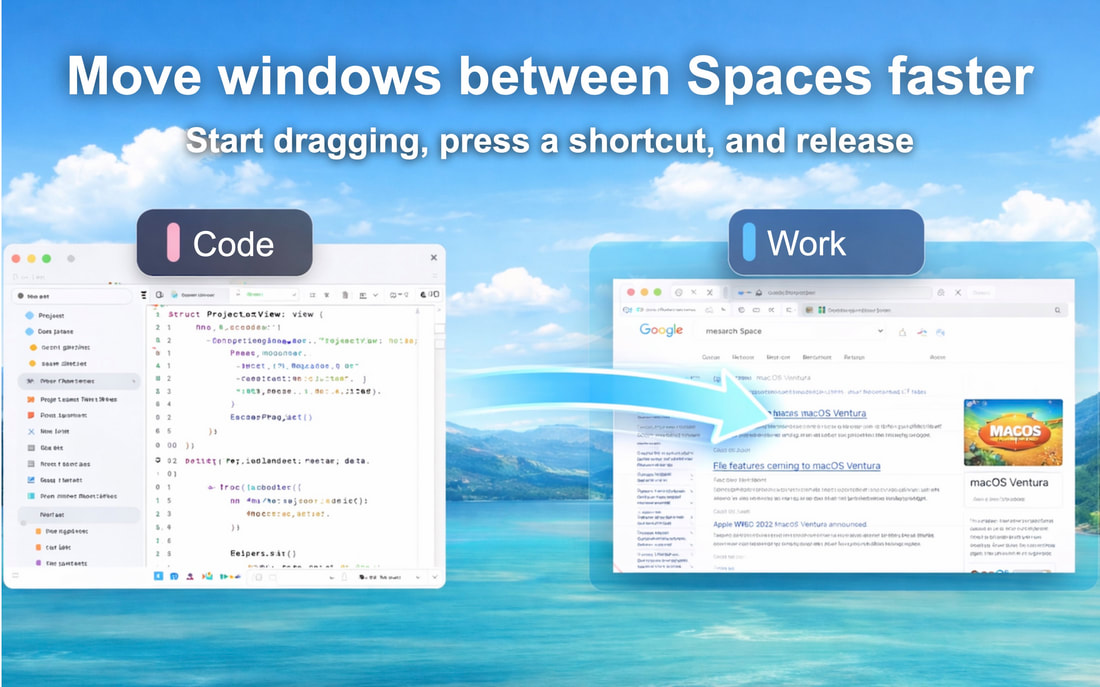
Move windows between Spaces faster
Moving a window doesn’t have to interrupt your flow. Start dragging the window, press the shortcut for the target Space, and drop it there — without opening Mission Control first.
|
|
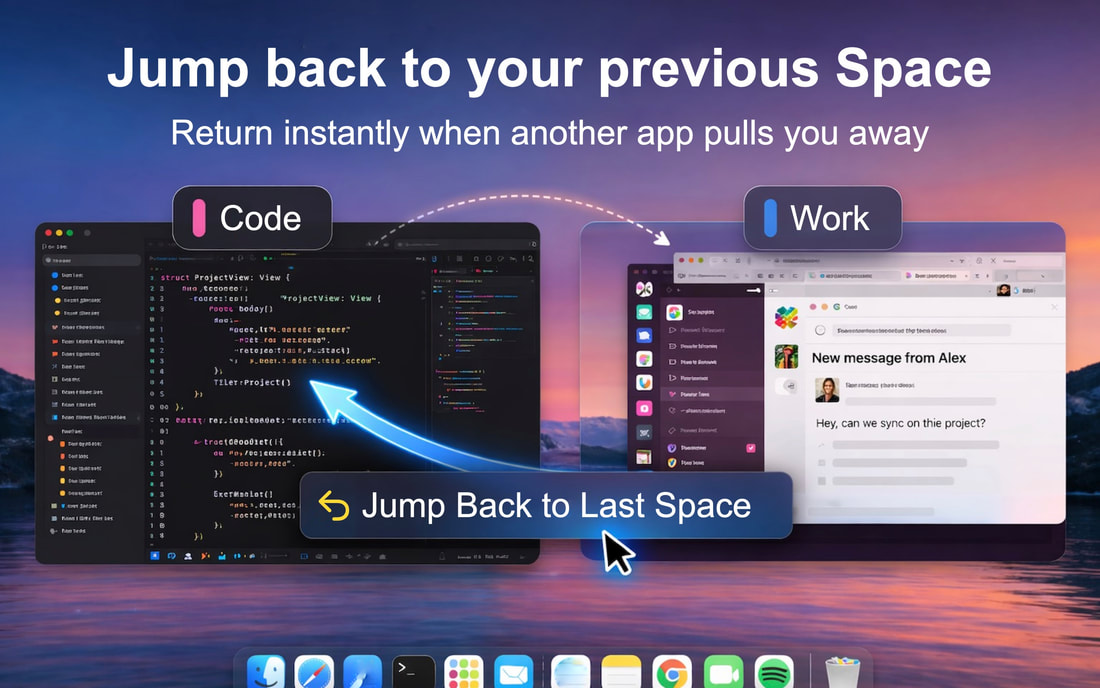
Jump back to where you were
Sometimes another app pulls you into a different Space when you open it. Hyperjump makes it easy to get back. Use Jump Back to Last Space to return quickly and keep your train of thought.
|
|
|
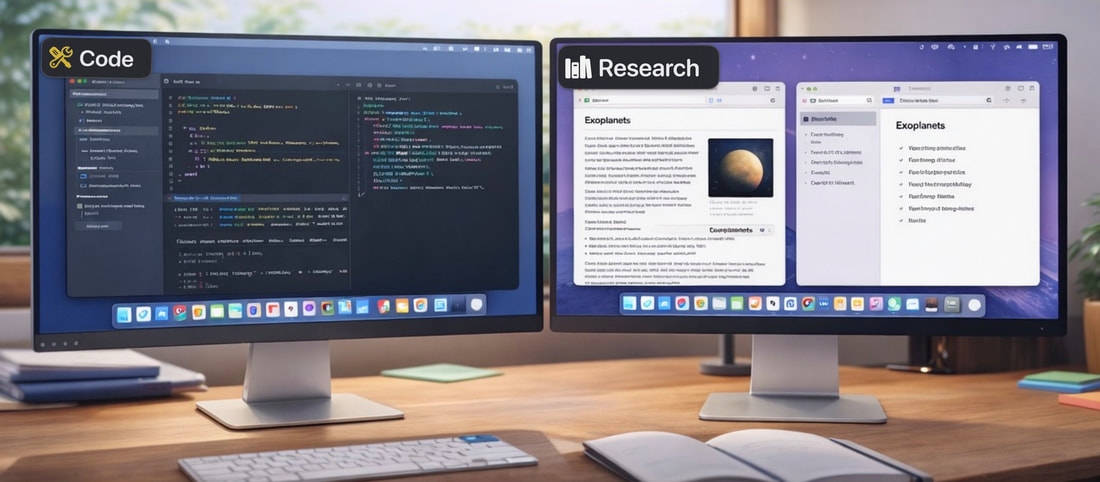
Multi-display support
Hyperjump supports multi-display setups. You can name the Spaces on each display, jump between Spaces on the display you’re using, and move windows between Spaces on the same display.
|
Take control of your macOS Spaces
Stay oriented, switch faster, move windows more easily, and make your Spaces easier to work with every day.